Why it matters
Promote on purpose
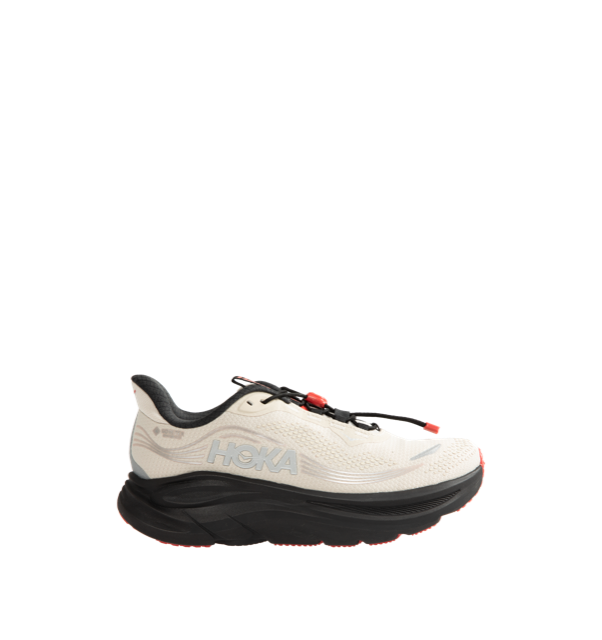
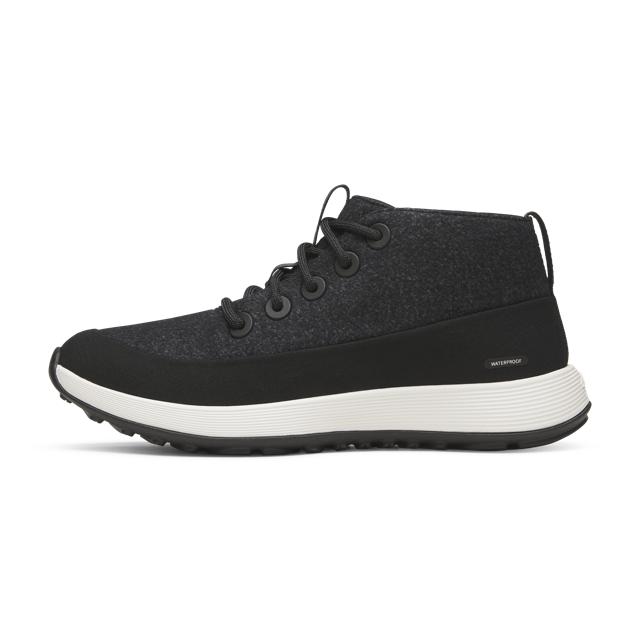
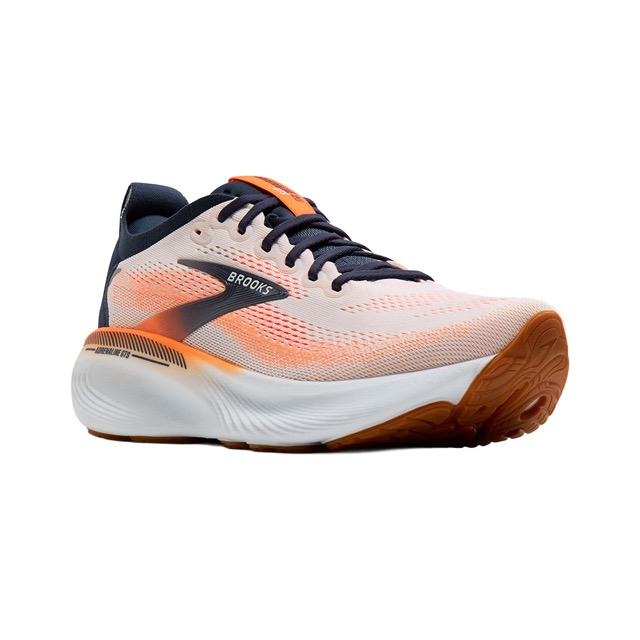
Push the margin you care about or the launch you're running to the top of the right searches.
Hide what hurts
Keep out-of-stock and discontinued items out of results, so shoppers never hit a dead product.
No engineering tickets
Merchandisers make the change in the dashboard, and it's live in search in seconds.
What’s included
Pin, boost and bury
Put chosen products in exact positions, or nudge a group up or down with a low, medium or high strength.
Hide and handle stock
Keep products out of results, and choose how out-of-stock items behave, with a message for shoppers when you want one.
Rules with conditions
Apply a rule to all searches or specific ones, to US or non-US visitors, and between start and end dates for a sale or launch.
Query overrides
Send a search term straight to a page or collection, give a canned answer, or rewrite the query, no code required.
How it works
- Step 1
Choose what a rule applies to
Pick the products, and the searches the rule should change.
- Step 2
Pick the action
Hide, pin, boost or bury products, or send a search straight to a page you choose.
- Step 3
It goes live in search
Rules apply to Nobi search results as soon as you save them. No code, no tickets.
Works for your business
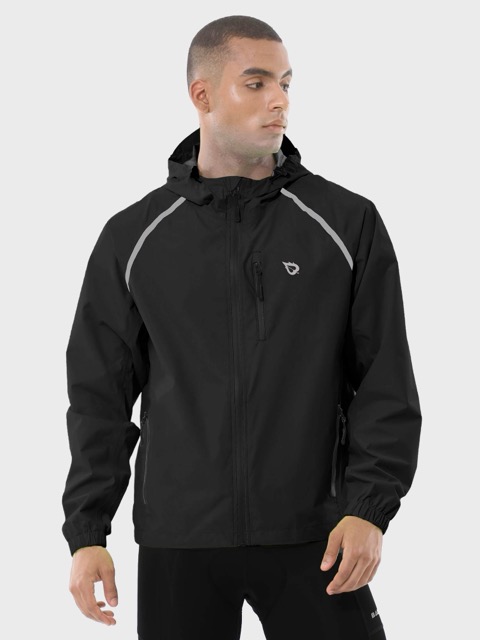
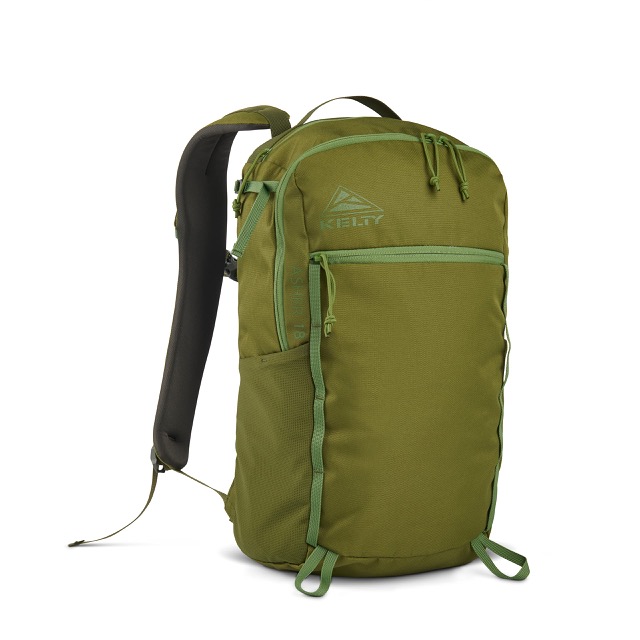
Pin the new season's collection to the top of “dresses” for launch week.
Boost the models you're running incentives on to the top of their searches.
Common questions
Do rules need a developer?+
No. A merchandiser sets them in the dashboard and they go live in search in seconds. There is no code and no deploy.
Can a rule apply to only some searches?+
Yes. A rule can target specific queries, a date range for a sale, or visitors from a region, or apply to every search.