Red Input Devices: Compare Listings & Prices
Catalog refreshed November 3, 2026
Content revised October 28, 2026
Browse 17 listings for Red Input Devices, including options from Keychron and Satechi. Compare product details and listed prices.

Keychron M3 Wireless Mouse
Keychron
$69.99
We may earn a commission

Lemokey G1 Wireless Mouse
Keychron
$59.99
We may earn a commission

Slim EX Wireless Mouse
Satechi
$29.99

SM3 Slim Mechanical Backlit Bluetooth Keyboard
Satechi
$119.99

Slim EX3 Wireless Keyboard
Satechi
$69.99

OntheGo™ Bluetooth Mouse
Satechi
$29.99

Slim EX1 Wireless Keyboard
Satechi
$49.99

Slim LX Wired Mouse
Satechi
$24.99

Slim CEX3 Wireless Combo
Satechi
$84.99
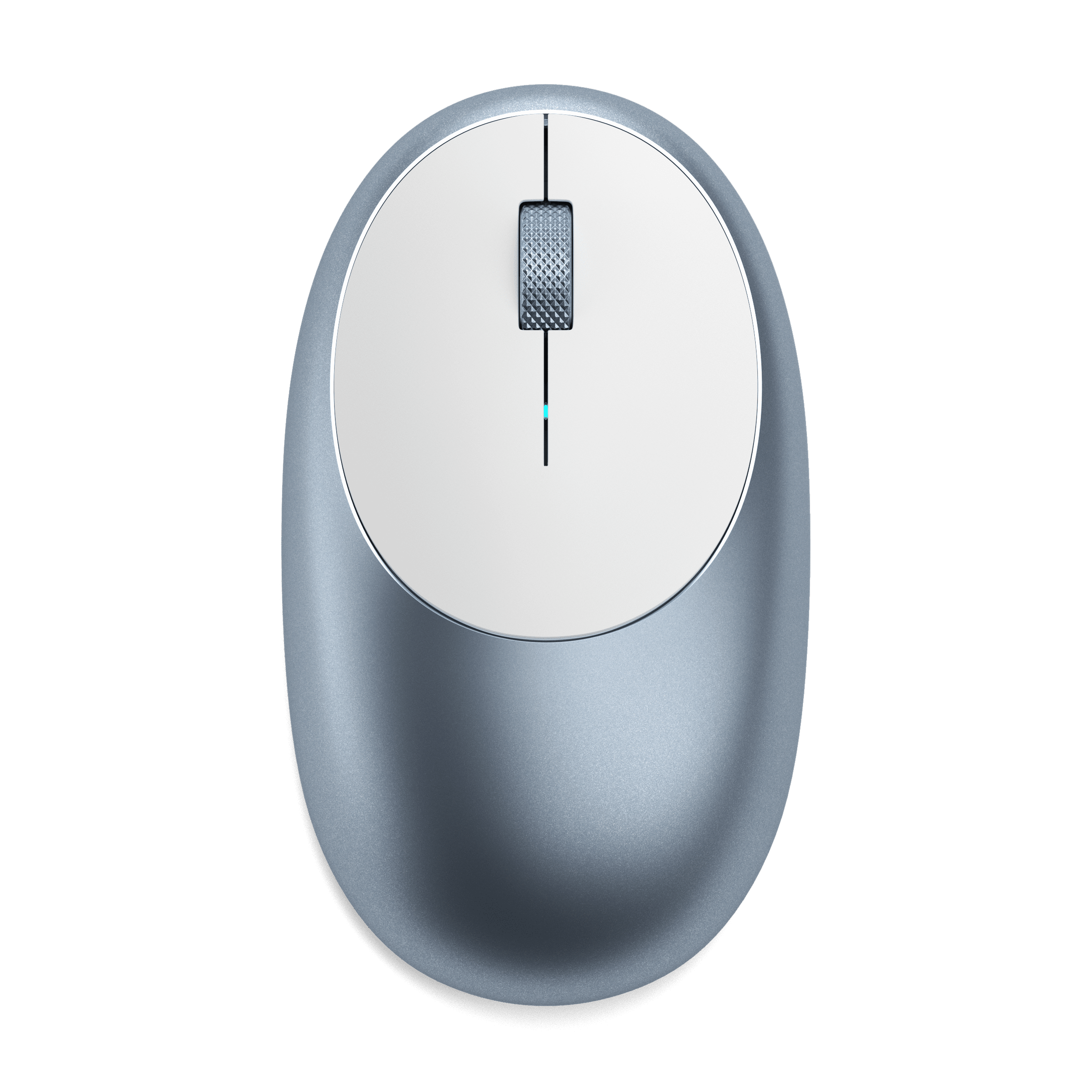
M1 Bluetooth Mouse
Satechi
$29.99

Keychron M3 Mini Wireless Mouse
Keychron
$62.99
We may earn a commission

Lemokey G2 Wireless Mouse
Keychron
$59.99
We may earn a commission

Lemokey X1 QMK/VIA Wired Mechanical Keyboard
Keychron
$34.99
We may earn a commission

Keychron K8 Wireless Mechanical Keyboard
Keychron
$69.99
We may earn a commission

Slim CEX1 Wireless Combo
Satechi
$64.99

Keychron M6 Wireless Mouse
Keychron
$49.99
We may earn a commission

Keychron Nape Pro Wireless Trackball Mouse
Keychron
$89.99
We may earn a commission
The 17 displayed listings with prices are listed from $24.99 to $119.99 (USD) in this catalog snapshot. Confirm the selected variant's current price, availability and purchase terms with the retailer.
The selection includes wireless mice, Bluetooth keyboards, mechanical keyboards, trackball mice and combo sets.
Names highlight features such as wireless, Bluetooth, backlit, slim, mechanical and ergonomic, showing a range of connectivity and typing experiences. Look for battery type, key switch style and whether the device is wired or wireless.
When picking, verify the device’s compatibility with your operating system, check if the mouse or keyboard offers the connectivity you need, and consider ergonomics like grip shape or key travel for comfort.
Questions
How do I choose between a mouse and a keyboard?
Decide based on whether you need pointing control (mouse) or typing input (keyboard) and check each model’s wireless or wired option.
What does backlit mean for a keyboard?
Backlit indicates illuminated keys; confirm the maker lists backlit in the product specs.
What should I check for battery life?
Look for battery type or runtime details in the product description or specifications.
Are these devices compatible with my computer?
Check the maker’s listed operating system compatibility for the exact model.
How can I confirm the device is red?
Review the product images or description for a red color mention before purchasing.